WHO DIS? Documentation
Installation
Installing this module is follows the same process as installing any Fuligin Heart module:
- Visit https://fuliginheart.dev
- Click the "Login with Patreon" button in the upper right.
- On you Dashboard, copy your custom manifest link.
- Open Foundry and navigate to "Add-on Modules"
- Click the "Install Module" button to open the Install Module panel.
- Paste your custom manifest link in to the Manifest URL input at the bottom of the panel.
- Click the "Install" button.
Getting Started
Module Options
WHO DIS? is a relatively simple module and there are very few settings to be concerned with. That said, below are the details of those settings which are available.
Manage Available Devices
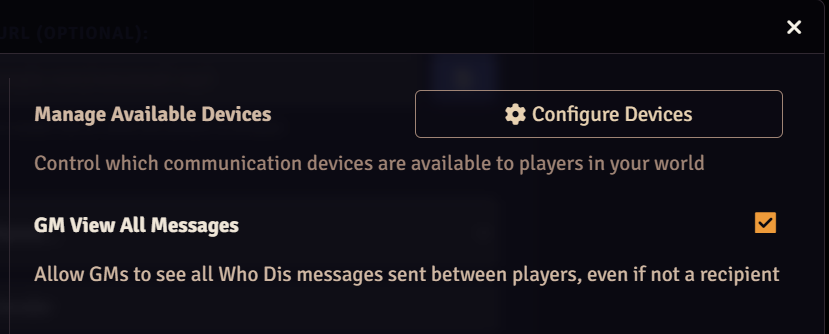
A good first step as GM is to limit which devices are available to your players. Often, this decision is very straight-forward: if your game is set in the Victorian Era, the Telegram would be the only option that makes sense. Likewise, special agents in 2002 would have little use for a telegram. Or would they? Whatever you decide, you can enable and disable devices in the module settings.
GM View All Messages
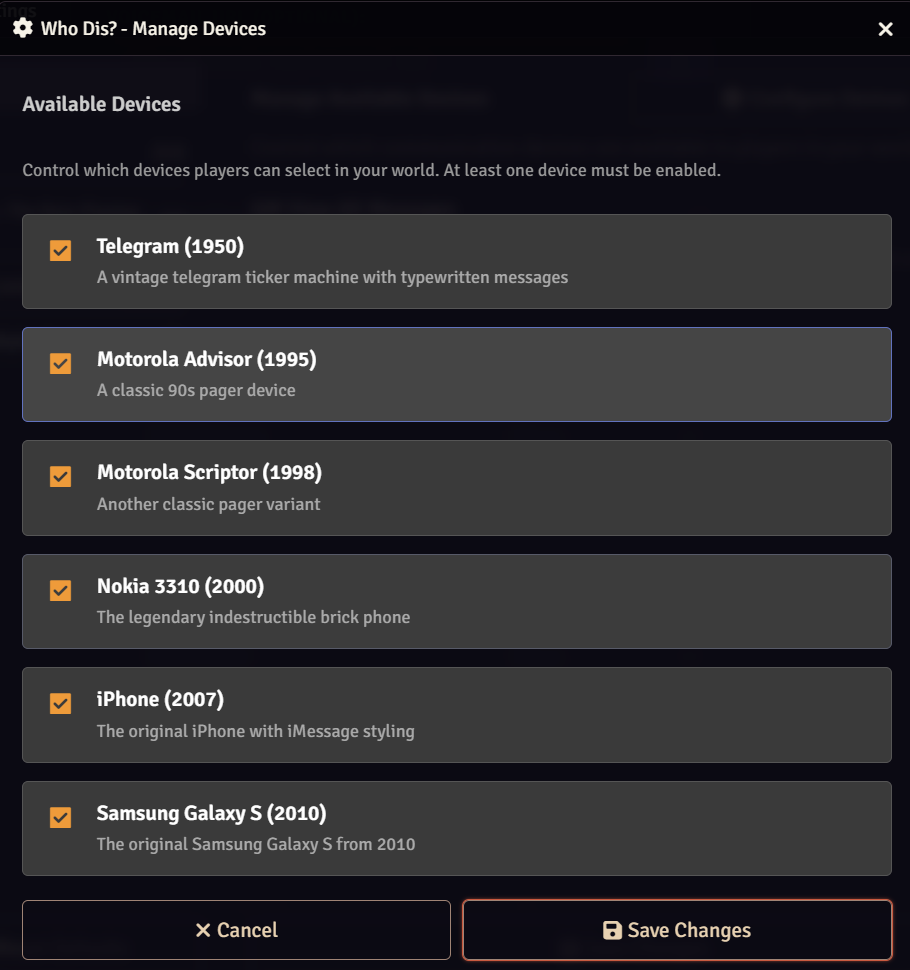
It's right there on the tin- WHO DIS? does what it does by making use of Foundry's whispers. Normally, whispers are only visible to those involved. Some GMs may wish to see all WHO DIS? messages regardless of whether or not they were meant to. Sneaky GMs.
Finding and Opening the Message Panel
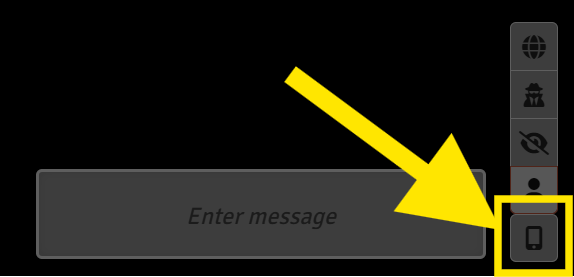
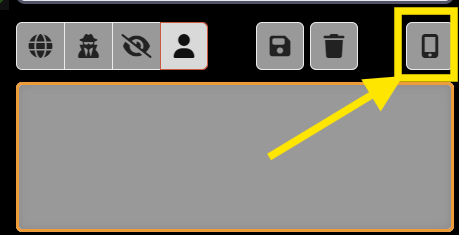
Opening the Message Panel is accomplished by clicking on the smartphone icon in the lower right of the Foundry window. The exact location of this button is determined by the state of your chat panel.
|
|
Using WHO DIS?
The Message Panel
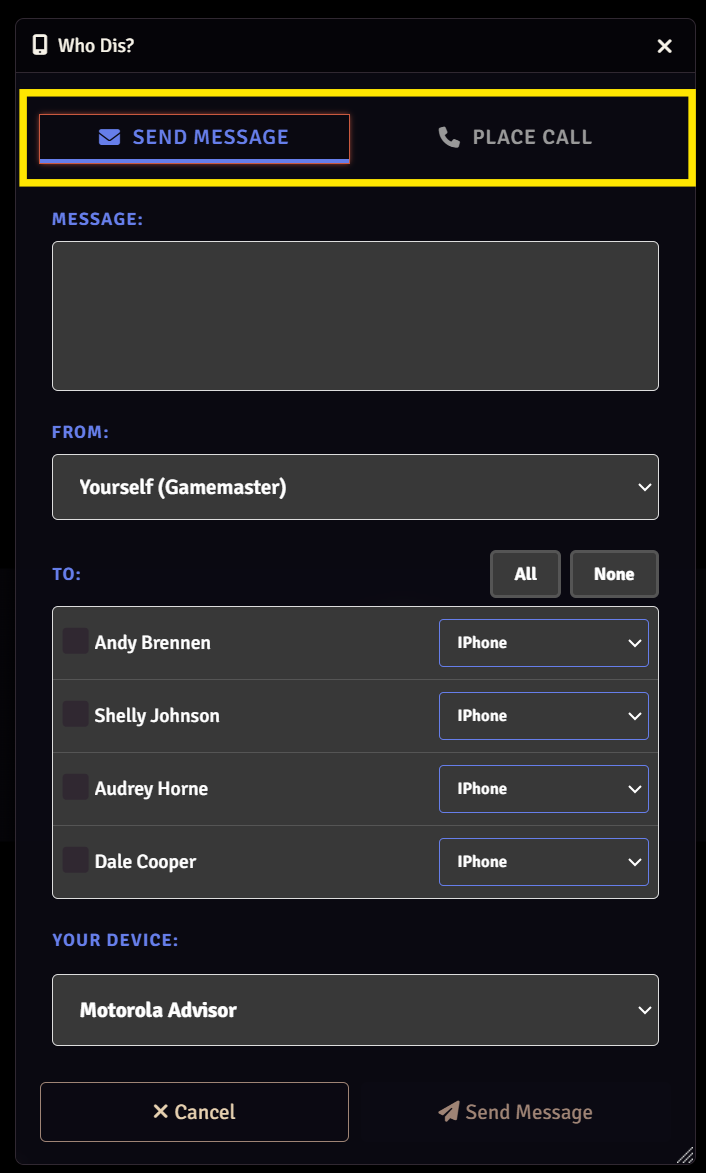
The message panel is the core of WHO DIS? and almost all functions for both GMs and players are initiated and handled from here.