Layer Slayer Documentation
This module is totally FREE. All you need to do is be at least a Free Member of my Patreon.
About
Layer Slayer is an incredibly simple module that eliminates one of the biggest hassles for GMs working in Foundry VTT- selecting objects on other layers. Tokens, Templates, Tiles, Drawings, Walls, Lights, Sounds, Notes, and now Regions: all of them live in their own little worlds and getting to them used to mean first selecting the proper Control Button from Foundry's left-side menu. Not any more!
Layer Slayer uses one single configurable hotkey (Left CTRL by default) that forces all layers to show you their contents and allows you to select anything, automatically switching you to that item's layer!
Installation
Installing this module is follows the same process as installing all Fuligin Heart modules:
- Make sure you are a Free Member at my Patreon page.
- Visit https://fuliginheart.dev
- Click the "Login with Patreon" button in the upper right.
- On your Dashboard, copy your custom manifest link.
- Open Foundry and navigate to "Add-on Modules"
- Click the "Install Module" button to open the Install Module panel.
- Paste your custom manifest link in to the Manifest URL input at the bottom of the panel.
- Click the "Install" button.
Usage
There isn't really all too much to write about this one. Once you enable Layer Slayer it's good to go. It ships with the one-and-only hotkey set to the Left Control button on your keyboard. If you don't like that you can head in to Foundry's Configure Controls and set it to whatever suites you better.

PROTIP: With the hotkey pressed you can hit Shift to lock Layer Slayer on. This means that you no longer have to hold your hotkey when clicking about. Hotkey + Shift again will toggle Layer Slayer off again.
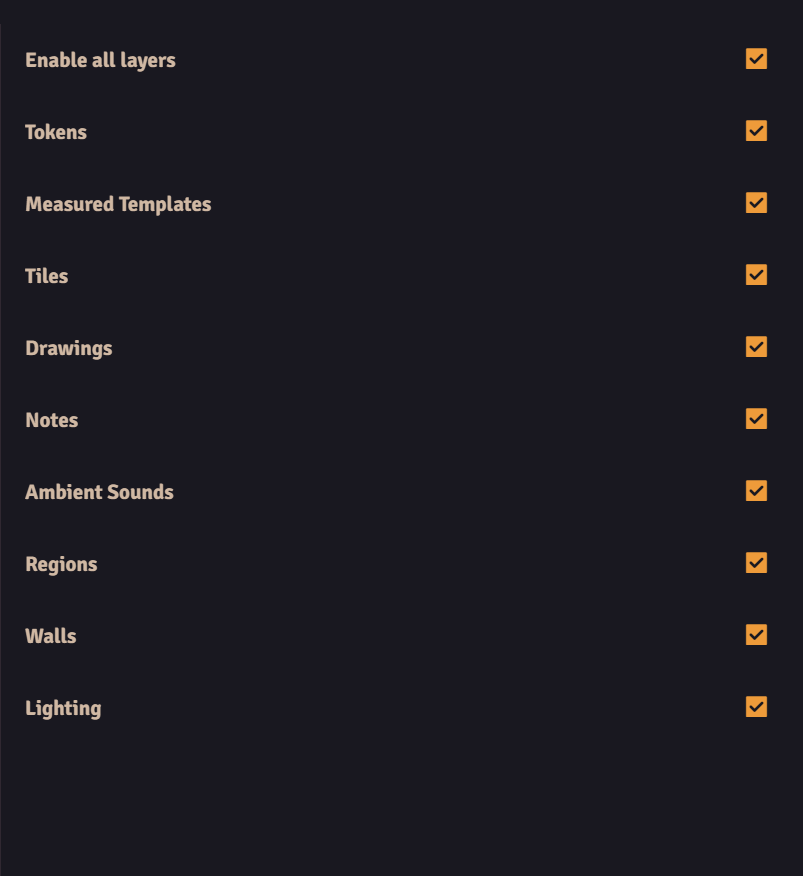
While you're messing around with Foundry's internals you may also want to limit what things Layer Slayer has access to. If you do, there are setting for each of Foundry's layers and object types that you can toggle on or off. Unchecking a box will prevent the module from showing those items when the hotkey is pressed and also prevent you from switching to that layer via the module. You can even uncheck all of them if you don't want to make your life easier and just like having modules with cool names installed.